Direct the film, not just the prompt.
Build cinematic sequences from references, generated shots, voice, music and sound, then shape the complete cut on a professional timeline.
- Reference-led visual continuity
- Shot-by-shot model choice
- Effects, sound and finishing in the cut
The Memory Architect
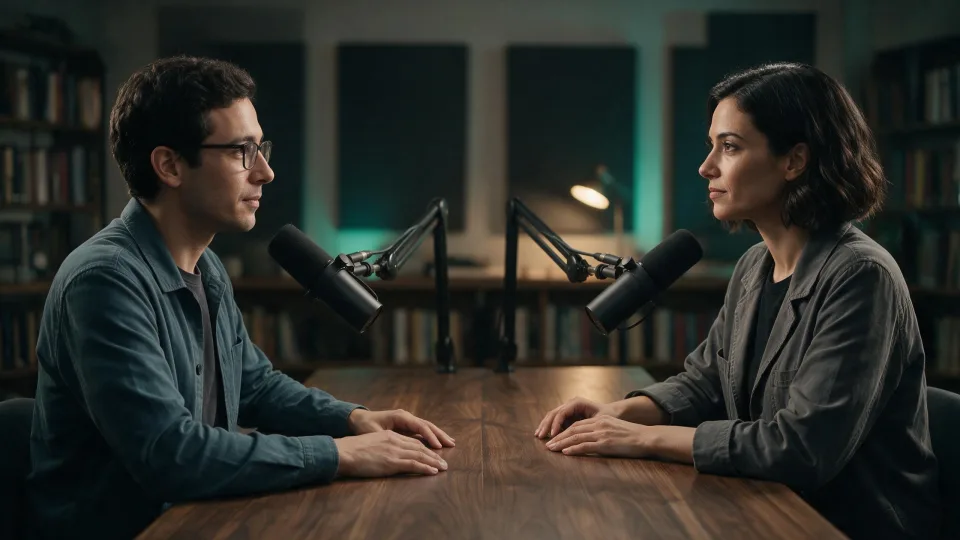
A filmmaker walks into an archive of memories. The film above began with a character and a setting, then took shape across six shots with dialogue, ambient sound and effects.
- Composition
- 1920 × 1080 · 16:9
- Timeline length
- 43 seconds
- Structure
- 6 visual shots
-
Define the character and setting
The project keeps a character portrait, an archive environment and scene images together as reusable references. The portrait shown here was generated with FLUX.2 Flex, with specific direction for wardrobe, lighting and expression.
-
Carry the references into each shot
Scene images use the character and environment as inputs. The shot prompts describe camera movement and ask for consistent identity and architecture. Those constraints give you concrete details to check when choosing a result.
-
Build the sequence on the timeline
Six visual clips form the story. Dialogue and ambient sound sit on separate layers, so the timing of a line or the atmosphere of a room can be adjusted alongside the picture.
-
Finish with effects and a closing beat
Text, visual effects and a logo sequence complete the edit. The timeline shows where these elements overlap, including the final message and fade, before the 43-second composition ends.
For a narrative film, decide which character and setting details must carry across shots before generating the sequence.
Start your own AI film