Plan the whole story. Finish the whole timeline.
Organize longer productions, narration, generated inserts and supporting assets without losing track of cost, pacing or versions.
- Scene-level production planning
- Narration and supporting visuals
- Long-form timeline control
The First Cut
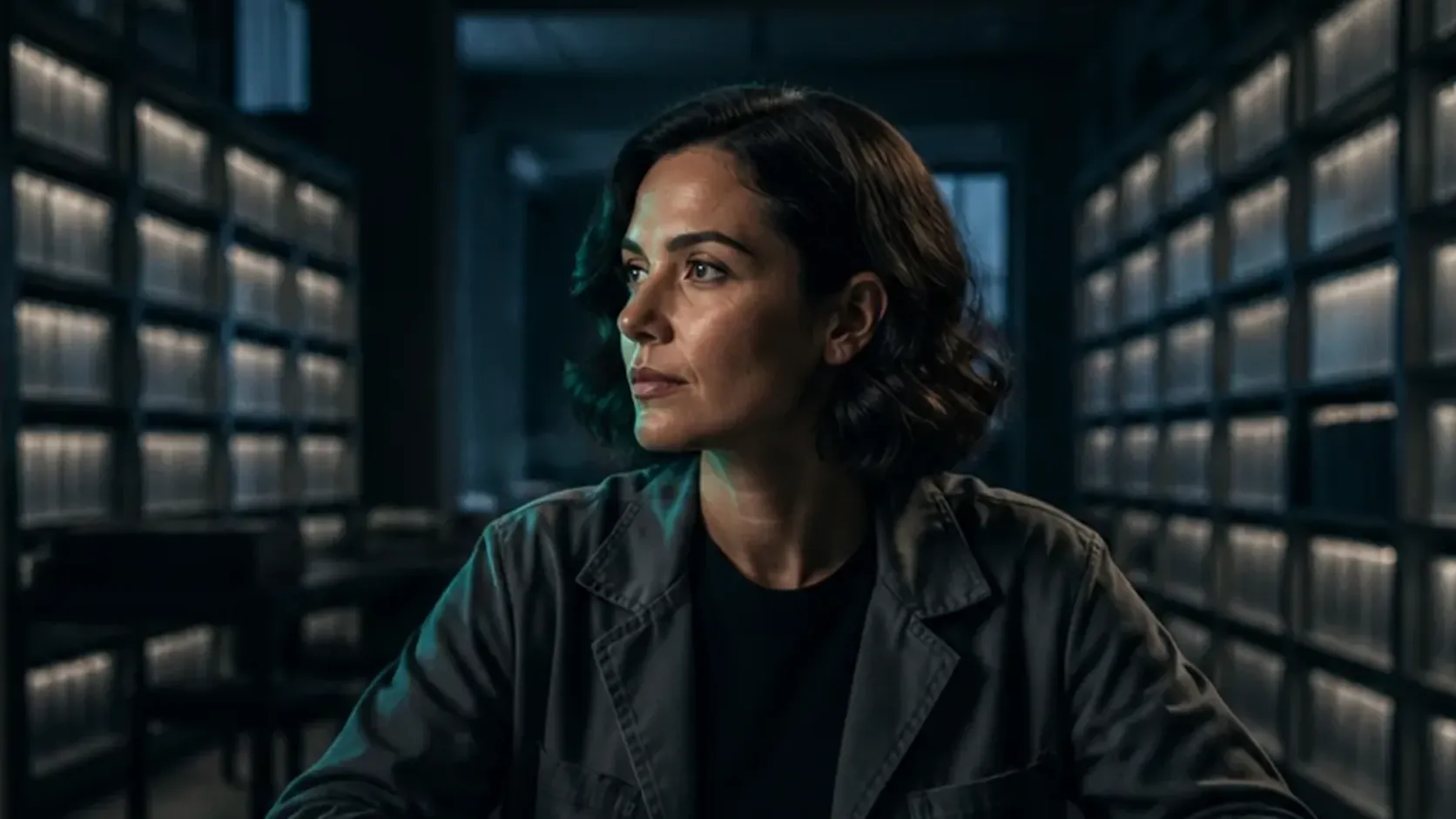
The fictional interview above brings two speakers into one studio. Shared references establish the room and camera angles, while separate voice tracks and individual shots give the conversation its pacing.
- Composition
- 1920 × 1080 · 16:9
- Timeline length
- About 63 seconds
- Structure
- 2 speakers · 3 camera views
-
Establish both speakers in one room
The shared studio image uses Seedream 5.0 Pro with Alex and Maya as identity references. The prompt specifies their seating, wardrobe, lighting and microphones positioned below their mouths.
-
Prepare the camera coverage
The project stores a shared studio view and individual camera references for each speaker. The room prompt establishes one side of the conversation axis, giving you a reference for checking seating and eyelines between shots.
-
Arrange the conversation on separate tracks
Alex and Maya each have a voice layer. The scene layer alternates the host’s questions with the guest’s answers and continuation shots, with a shared-room shot at the opening and close.
-
Review the cuts and finish the episode
Eight scene placements form the interview before the closing logo sequence. In the roughly 63-second edit, check the speaker changes, pauses and mouth movement against the dialogue before the final render.
For an interview format, establish camera coverage and speaker timing before assembling the full conversation.
Build your video episode